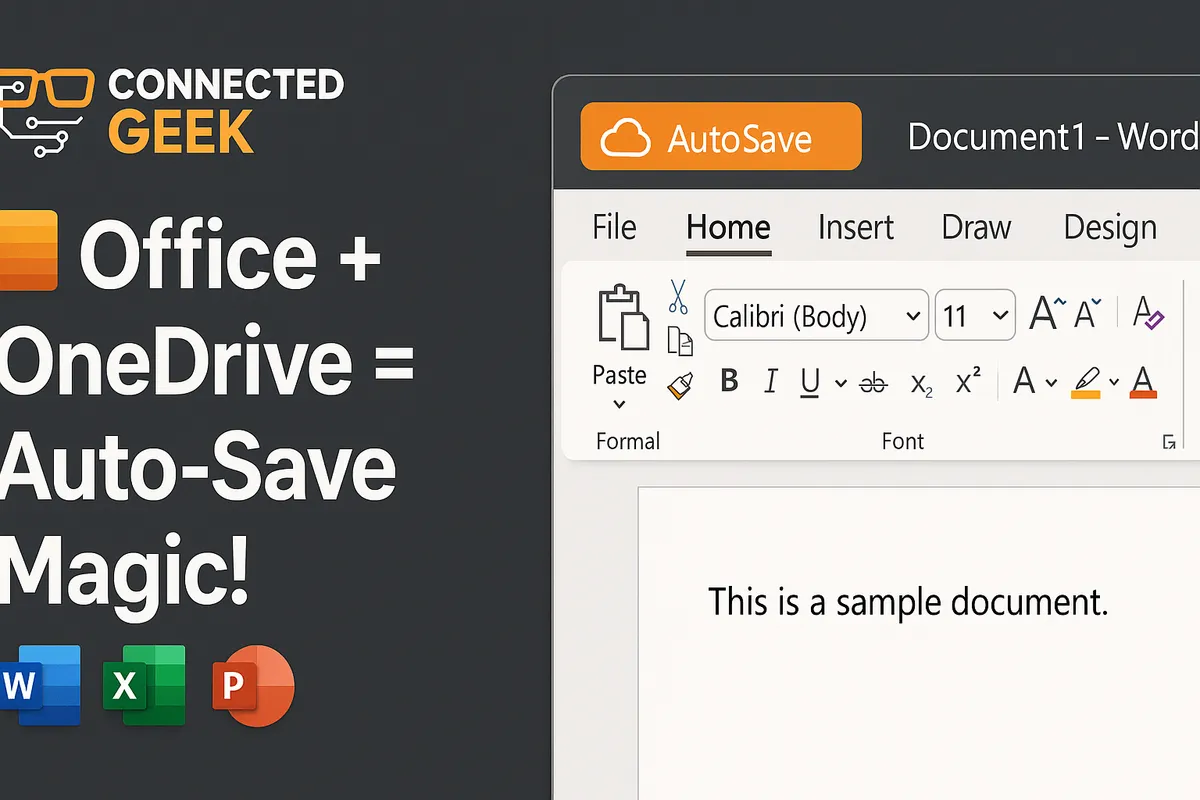
Protect Files with OneDrive AutoSave in Office Apps
Published on: 16/05/2026
Learn how OneDrive AutoSave secures your Word, Excel, and PowerPoint files effortlessly.
OneDrive AutoSaveMicrosoft Officefile protectionWordExcelPowerPointcloud storage
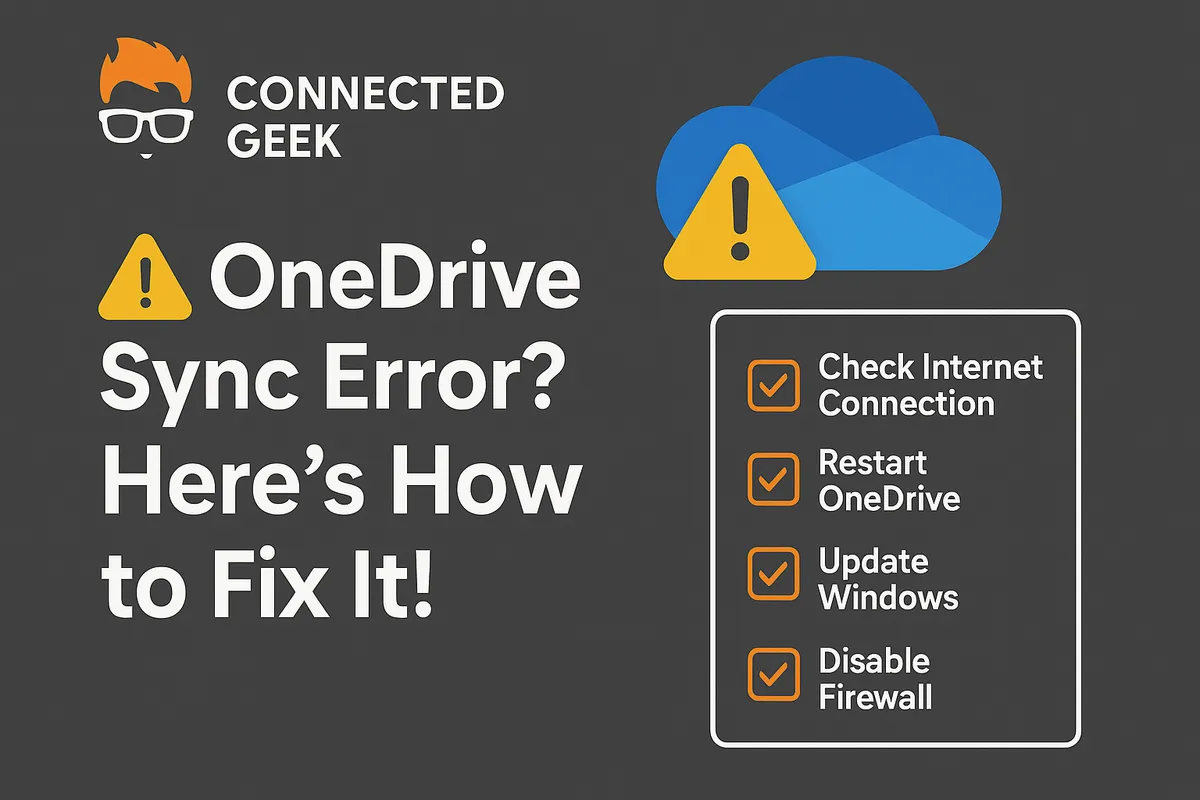
OneDrive Not Syncing in Windows 11? Try These Quick Fixes
Published on: 16/05/2026
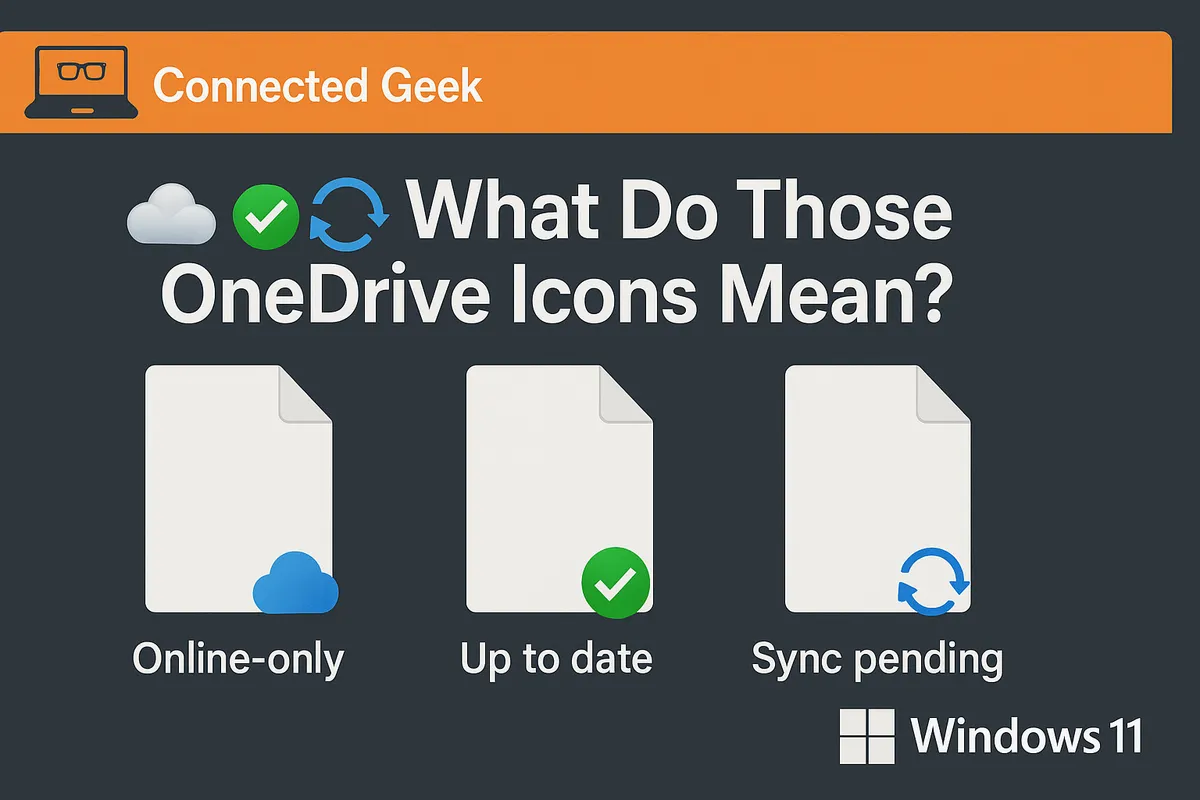
OneDrive stopped syncing? Check the taskbar icon for errors, try signing out and back in, restart OneDrive, check your internet, or rename files with long names.
OneDriveWindows 11sync issuestroubleshootingcloud storagefile backup
How OneDrive Integrates with File Explorer in Windows 11
Published on: 16/05/2026
OneDrive feels completely native in Windows 11 — browse cloud files in File Explorer, pin folders to Quick Access, drag and drop, and share directly from right-click.
Windows 11OneDriveFile Explorercloud storageintegrationfile management
OneDrive Quick Tips Cheat Sheet for Windows 11 Users
Published on: 16/05/2026
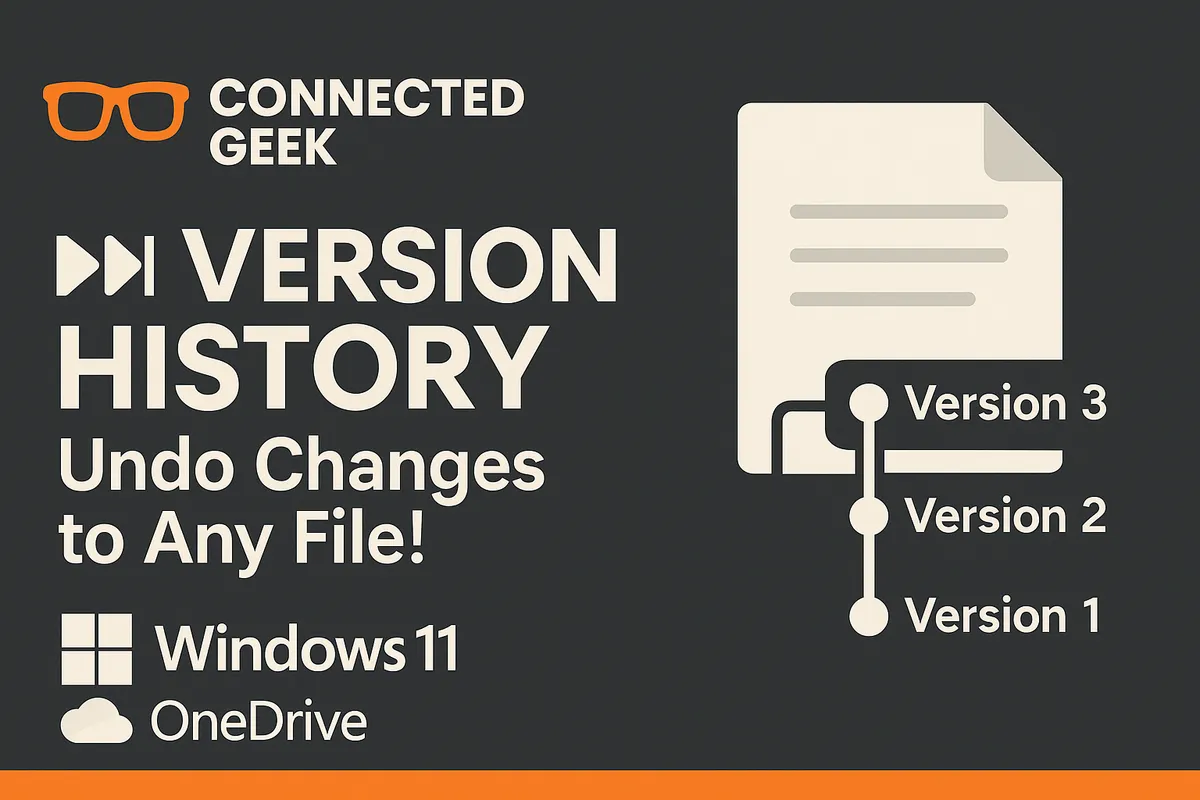
Save this! Auto-backup Desktop/Docs/Pictures, Files On-Demand saves disk space, Personal Vault for sensitive files, version history restores old saves, share links instead of attachments.
OneDriveWindows 11productivity tipsfile managementauto-backupcloud storage